HR
Employee Onboarding & Leave
Every new hire's checklist and every leave request, in one place.
Opens in seconds on a private copy with sample data. Anything you build can be moved into your own account later.
What's inside
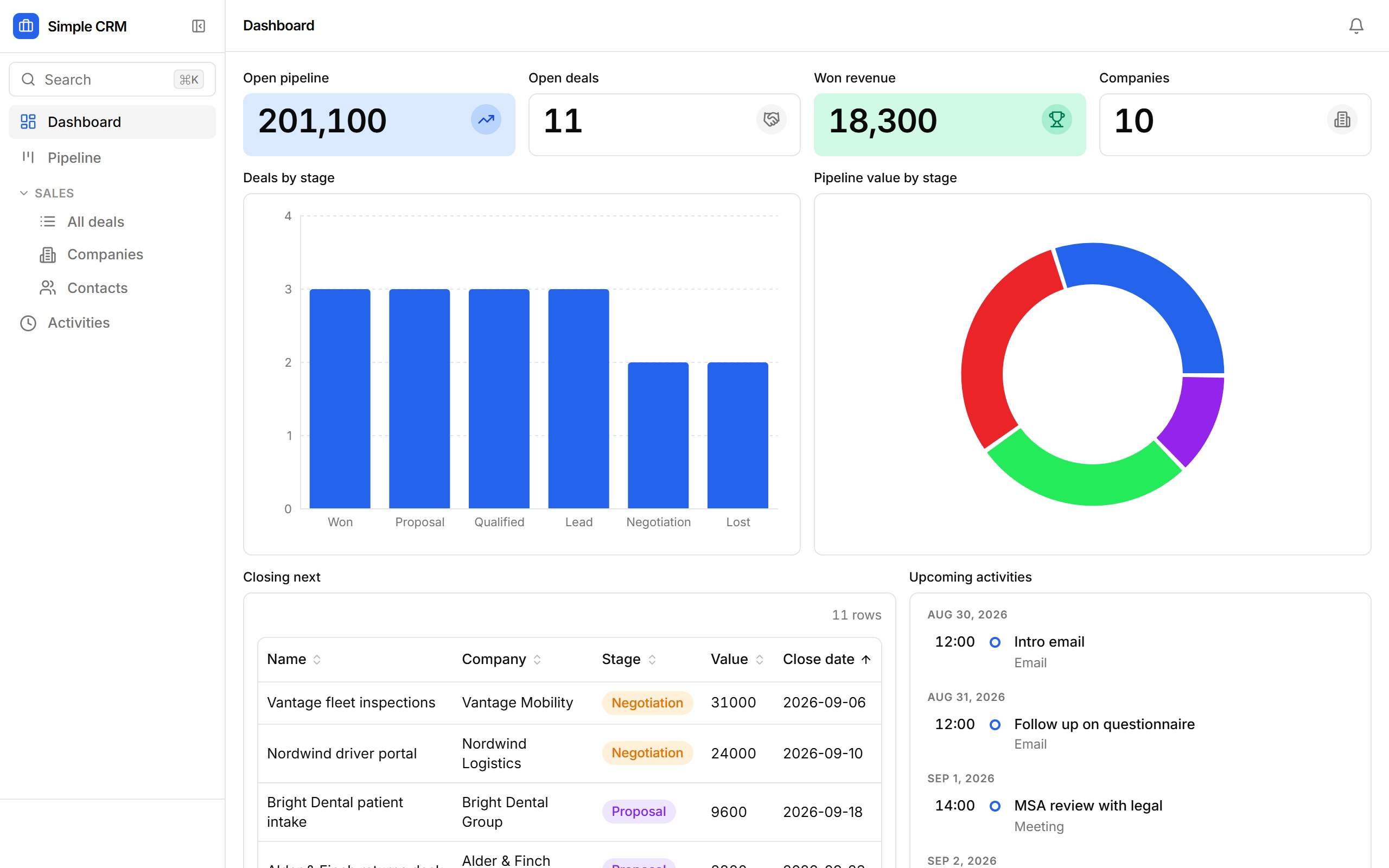
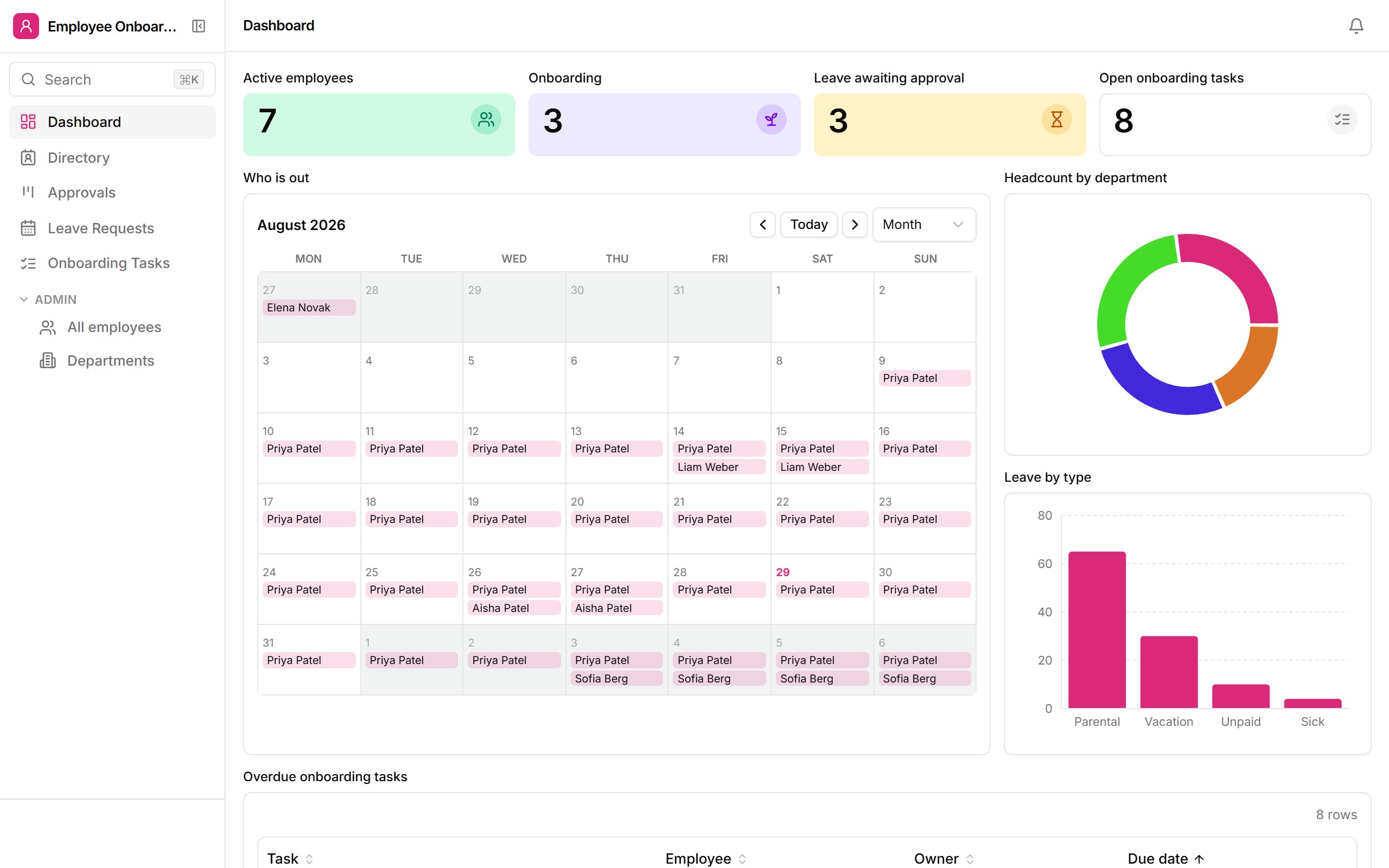
A people directory with an onboarding checklist per hire, leave requests on an approval board and a who-is-out calendar. Managers are emailed when a request comes in; employees are emailed with the decision.
- Directory cards and a headcount-by-department dashboard
- Onboarding checklist per employee with owners and due dates
- Leave approval board with one-click Approve / Reject
- Who-is-out calendar of approved leave
- Manager request emails and employee decision emails
Who it's for
People teams at growing companies who have outgrown the shared calendar and the onboarding spreadsheet.
How templates work
- 1. It's a real app. Opening a template provisions a fresh database for it and loads sample rows — the same path Ember uses when it drafts an app from a prompt.
- 2. Change anything. Add fields, drop blocks onto views, rewrite the workflows, set roles. The sample data is yours to edit or replace with a CSV import.
- 3. Keep it.From the sandbox, “Keep this app” sends you a link that moves the app — data, versions and all — into your own workspace once you sign up. Signed-in builders copy templates straight into their workspace.