IT
IT Helpdesk
A ticket queue with SLAs, without the per-agent bill.
Opens in seconds on a private copy with sample data. Anything you build can be moved into your own account later.
What's inside
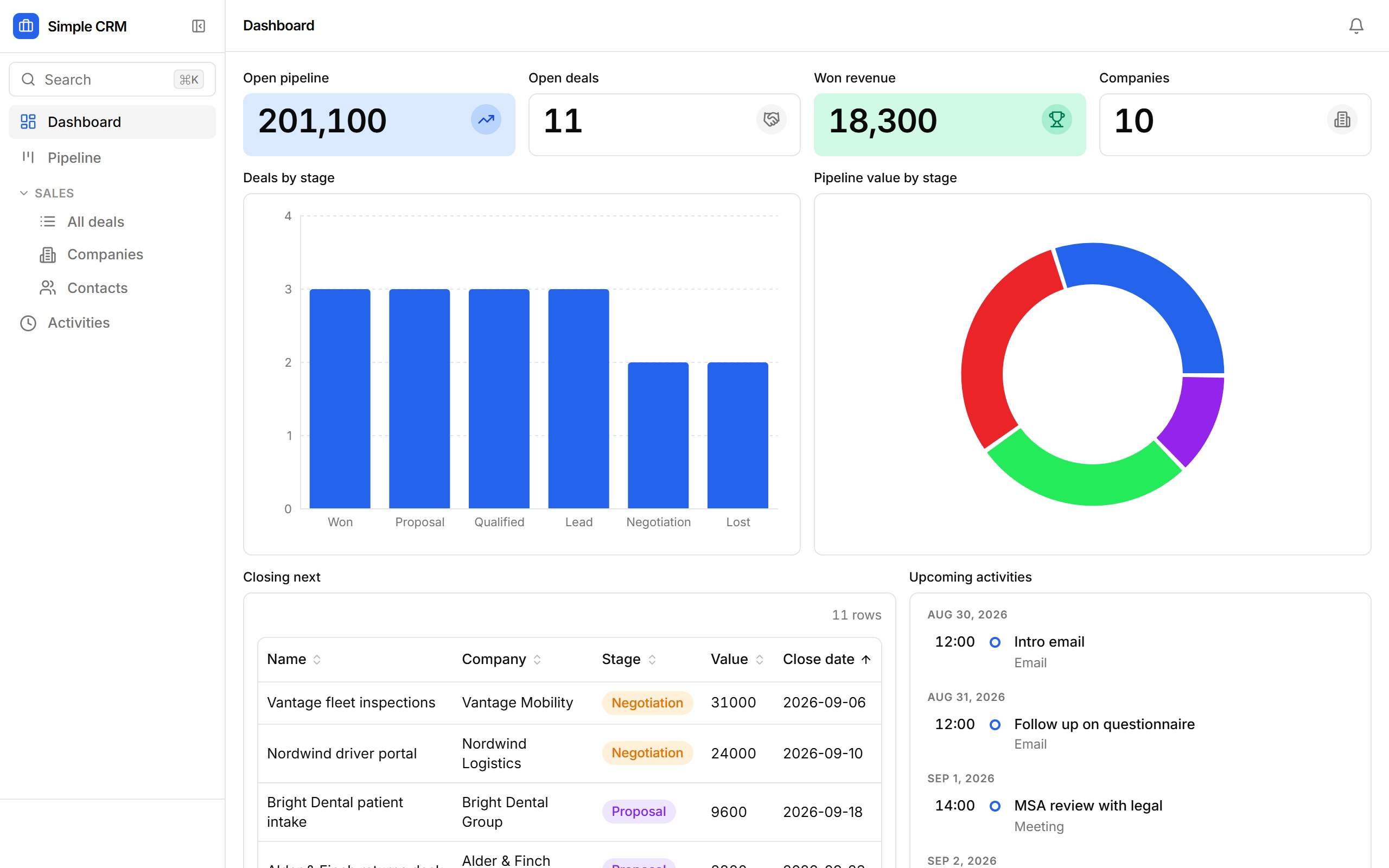
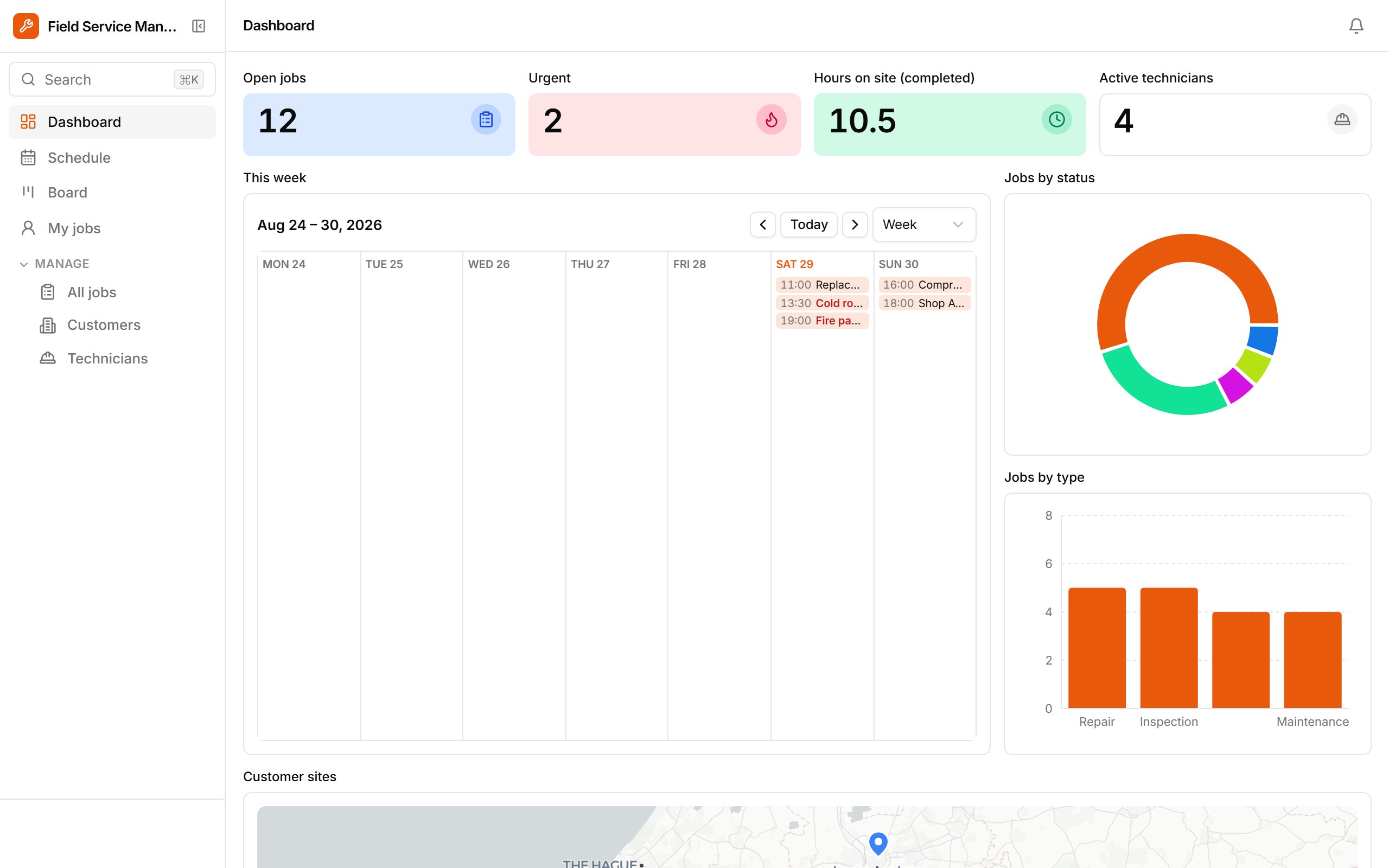
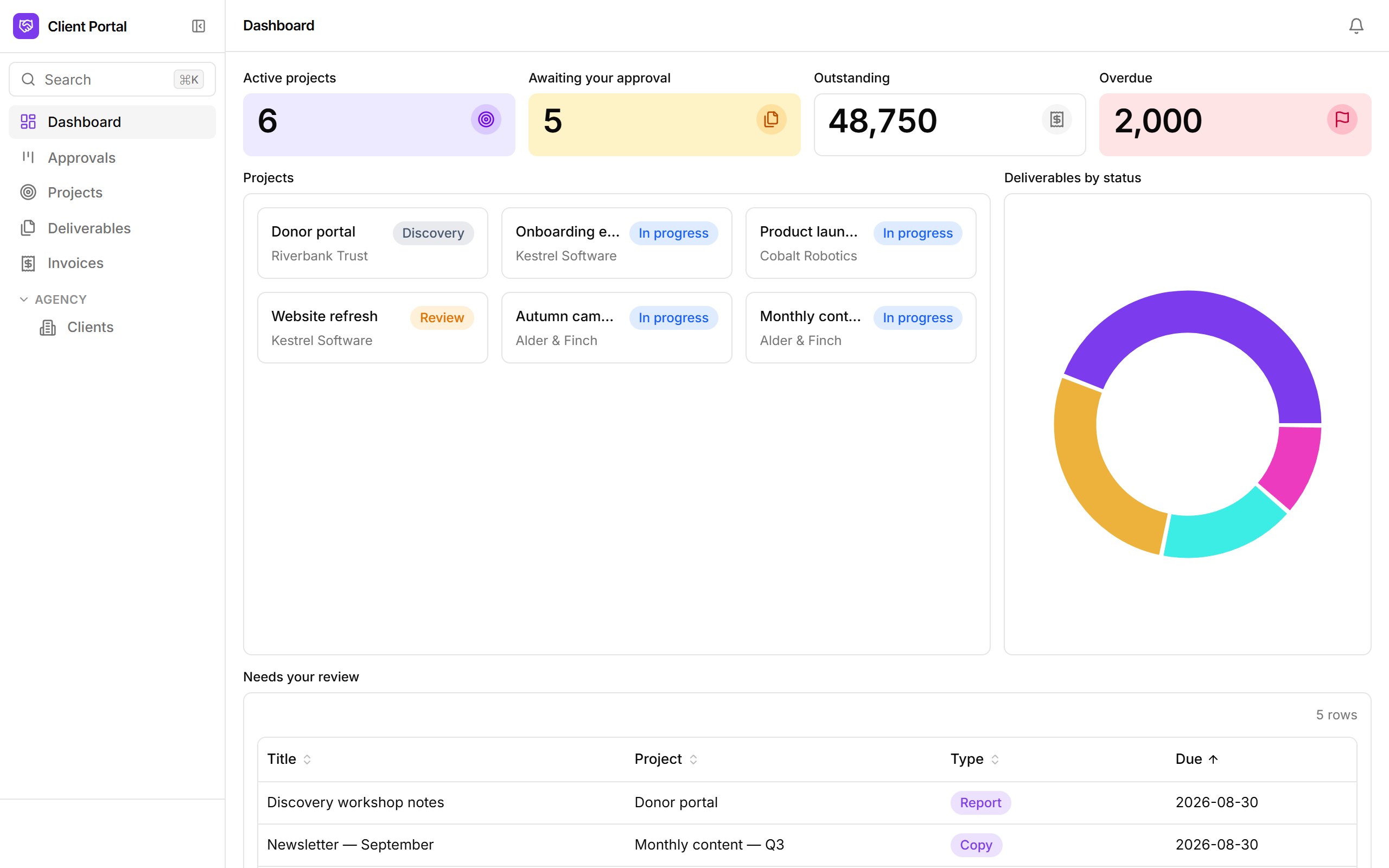
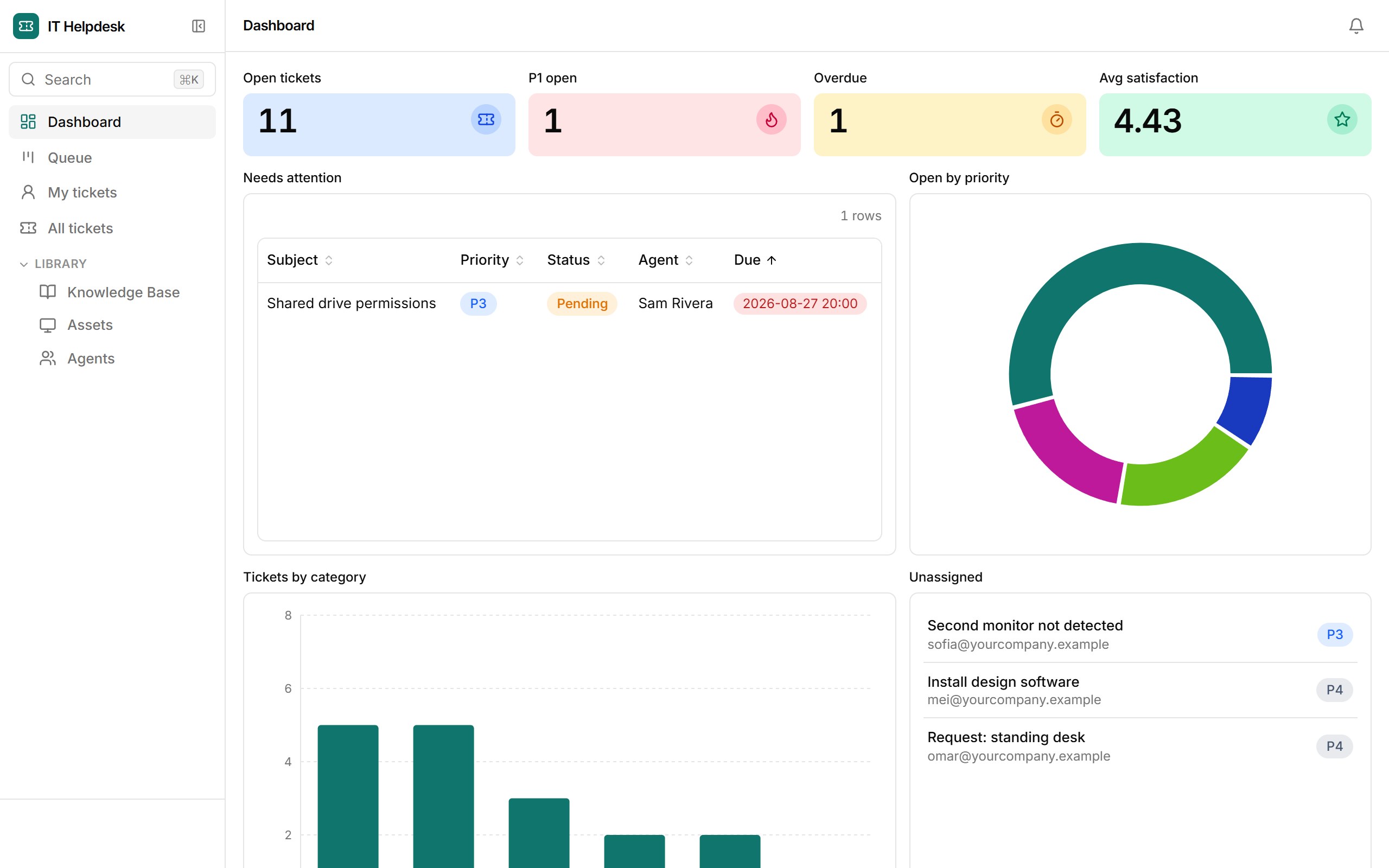
Tickets with priorities, due times and an agent queue; assets linked to the tickets raised against them; a knowledge base sorted by what actually helped. Requesters are emailed on open and on resolution, and every ticket carries its own conversation thread.
- SLA dashboard: open, P1, overdue, average satisfaction
- Queue kanban by status and a "My tickets" view per agent
- Start / Wait / Resolve / Close actions, inline on the ticket list
- Acknowledgement and resolution emails to the requester
- Assets with warranty dates and their ticket history
Who it's for
IT managers at 100–300 person companies leaving per-agent helpdesk pricing behind.
How templates work
- 1. It's a real app. Opening a template provisions a fresh database for it and loads sample rows — the same path Ember uses when it drafts an app from a prompt.
- 2. Change anything. Add fields, drop blocks onto views, rewrite the workflows, set roles. The sample data is yours to edit or replace with a CSV import.
- 3. Keep it.From the sandbox, “Keep this app” sends you a link that moves the app — data, versions and all — into your own workspace once you sign up. Signed-in builders copy templates straight into their workspace.