Events
Event Planner
Venues, guest lists and the to-do list, on one calendar.
Opens in seconds on a private copy with sample data. Anything you build can be moved into your own account later.
What's inside
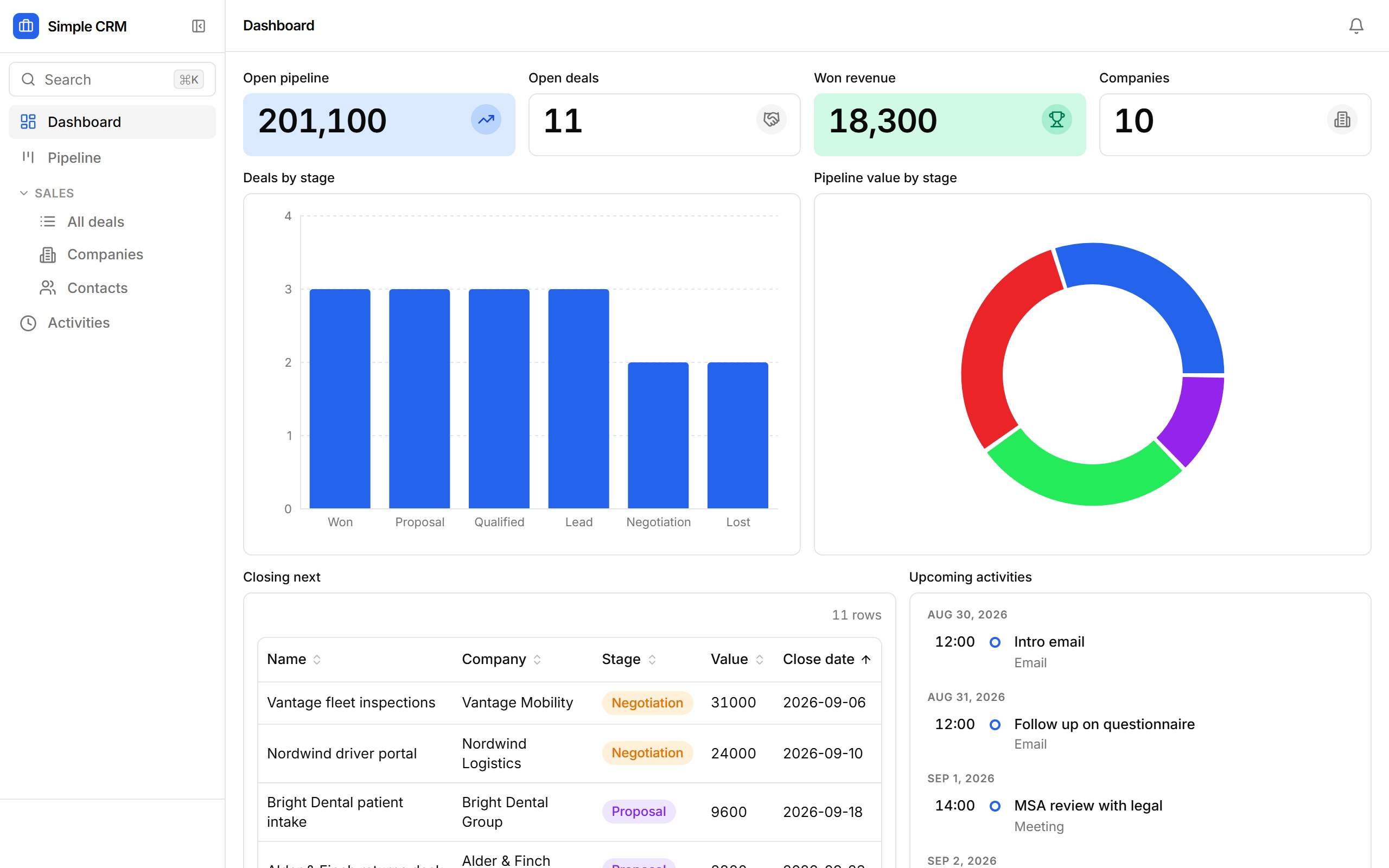
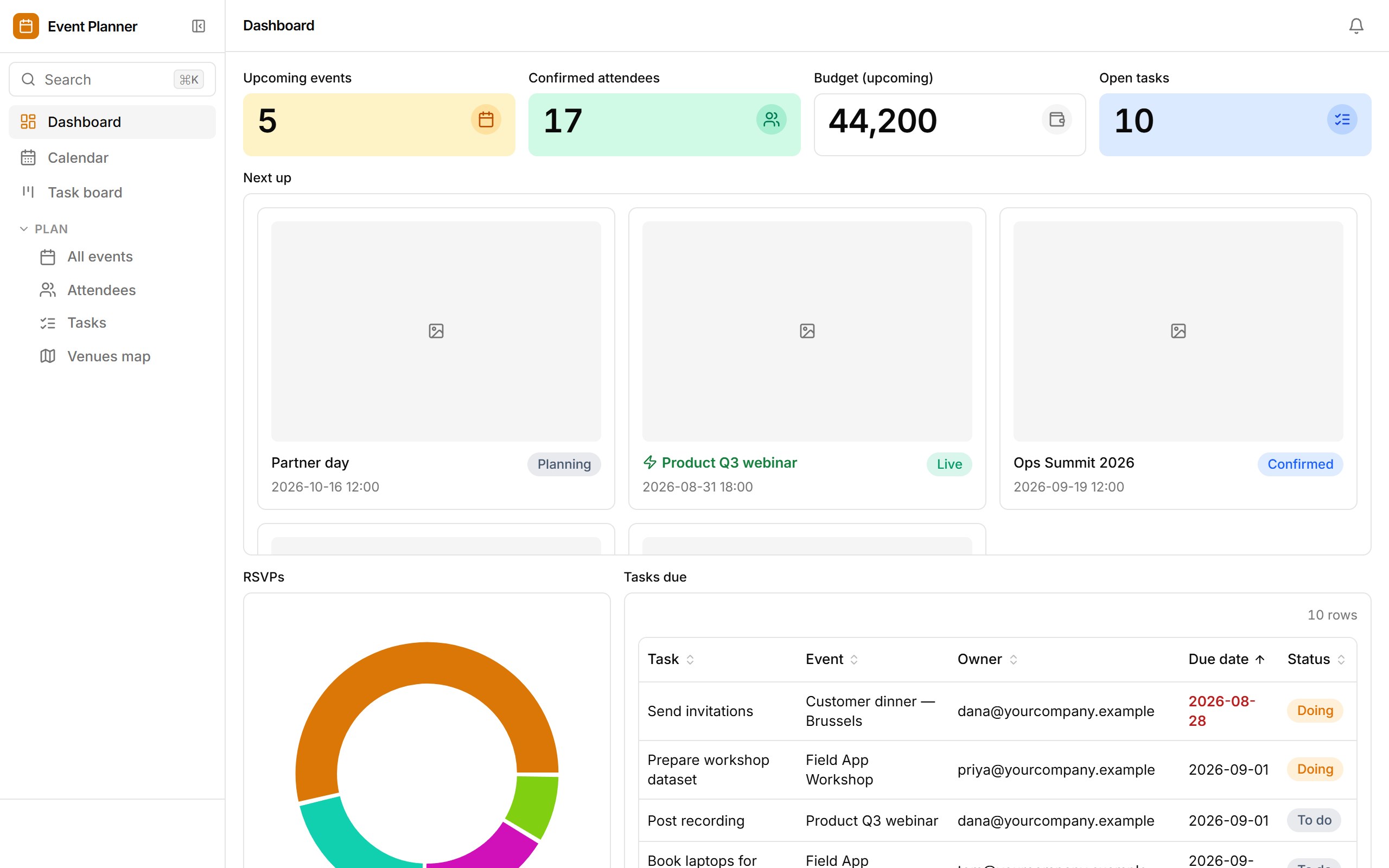
Events on a calendar with a budget and a venue on the map; attendees with tickets and RSVPs you can check in at the door; a task board per event with owners and due dates. Attendees are emailed when they confirm and task owners when they're assigned.
- Month calendar of events and a venues map
- Attendee list with inline RSVP editing and one-click check-in
- Task board by status, with a "Tasks due" table on the dashboard
- Confirmation emails to attendees, assignment emails to task owners
- CSV import for guest lists
Who it's for
Marketing and community teams running a handful of events a quarter.
How templates work
- 1. It's a real app. Opening a template provisions a fresh database for it and loads sample rows — the same path Ember uses when it drafts an app from a prompt.
- 2. Change anything. Add fields, drop blocks onto views, rewrite the workflows, set roles. The sample data is yours to edit or replace with a CSV import.
- 3. Keep it.From the sandbox, “Keep this app” sends you a link that moves the app — data, versions and all — into your own workspace once you sign up. Signed-in builders copy templates straight into their workspace.