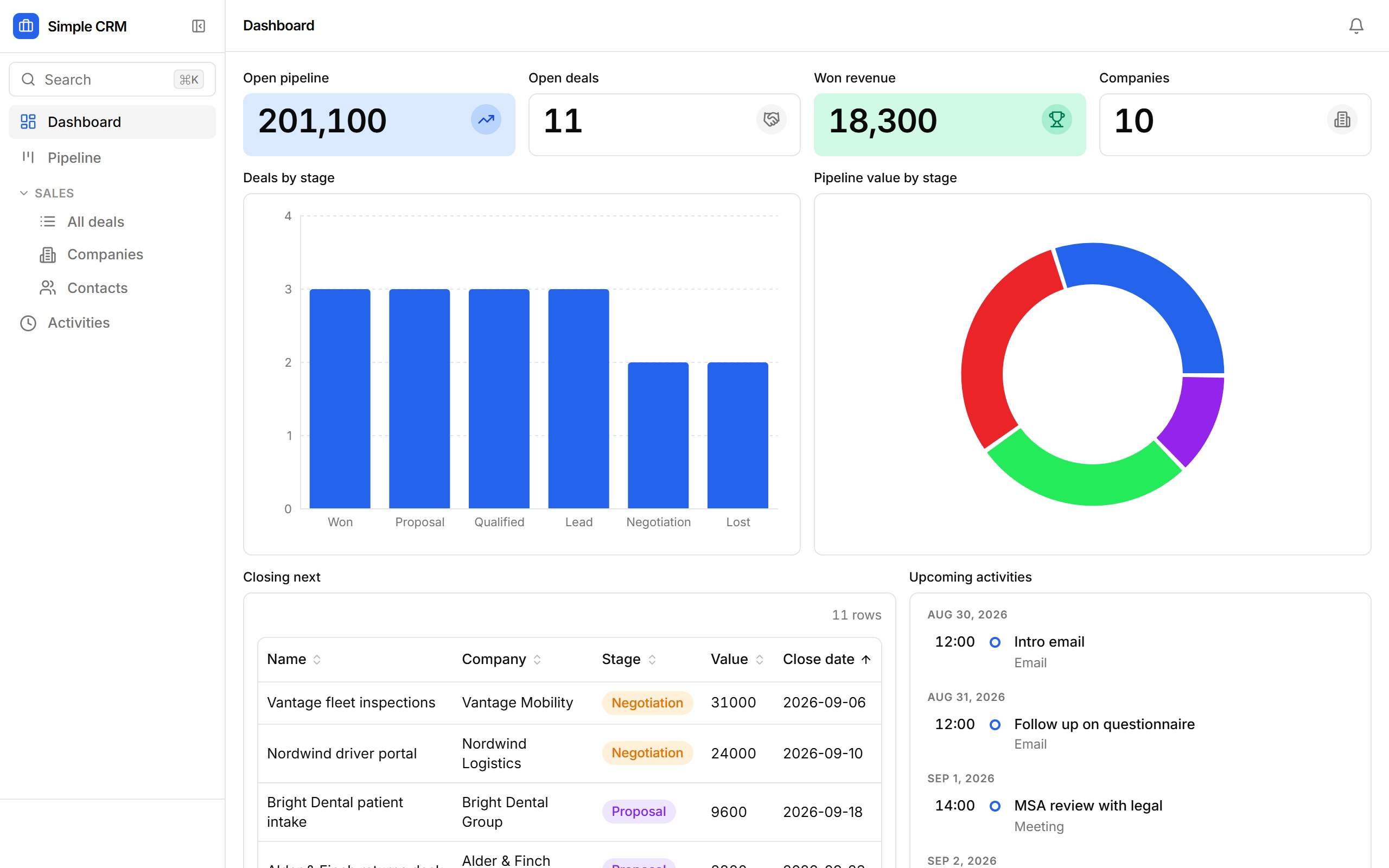
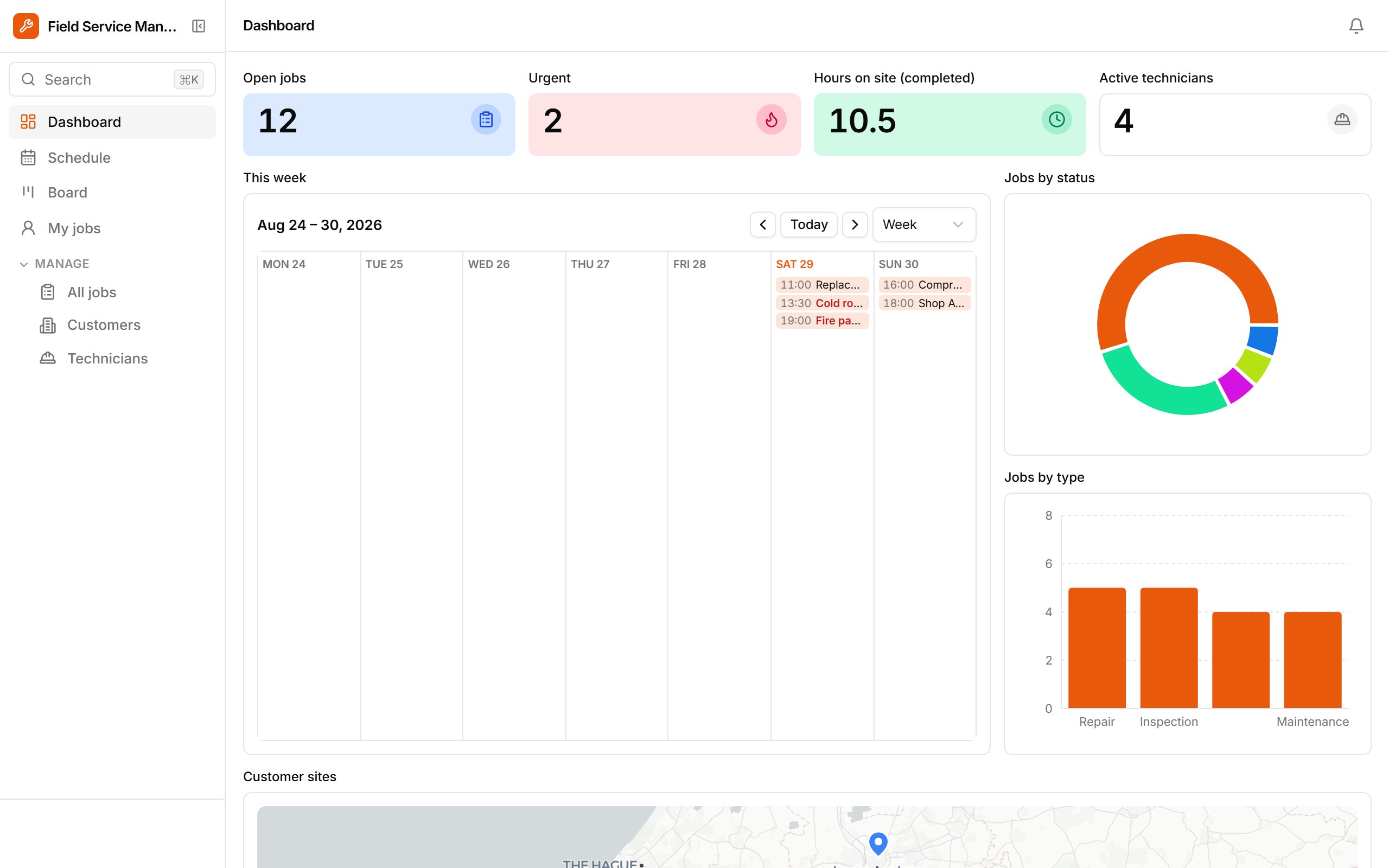
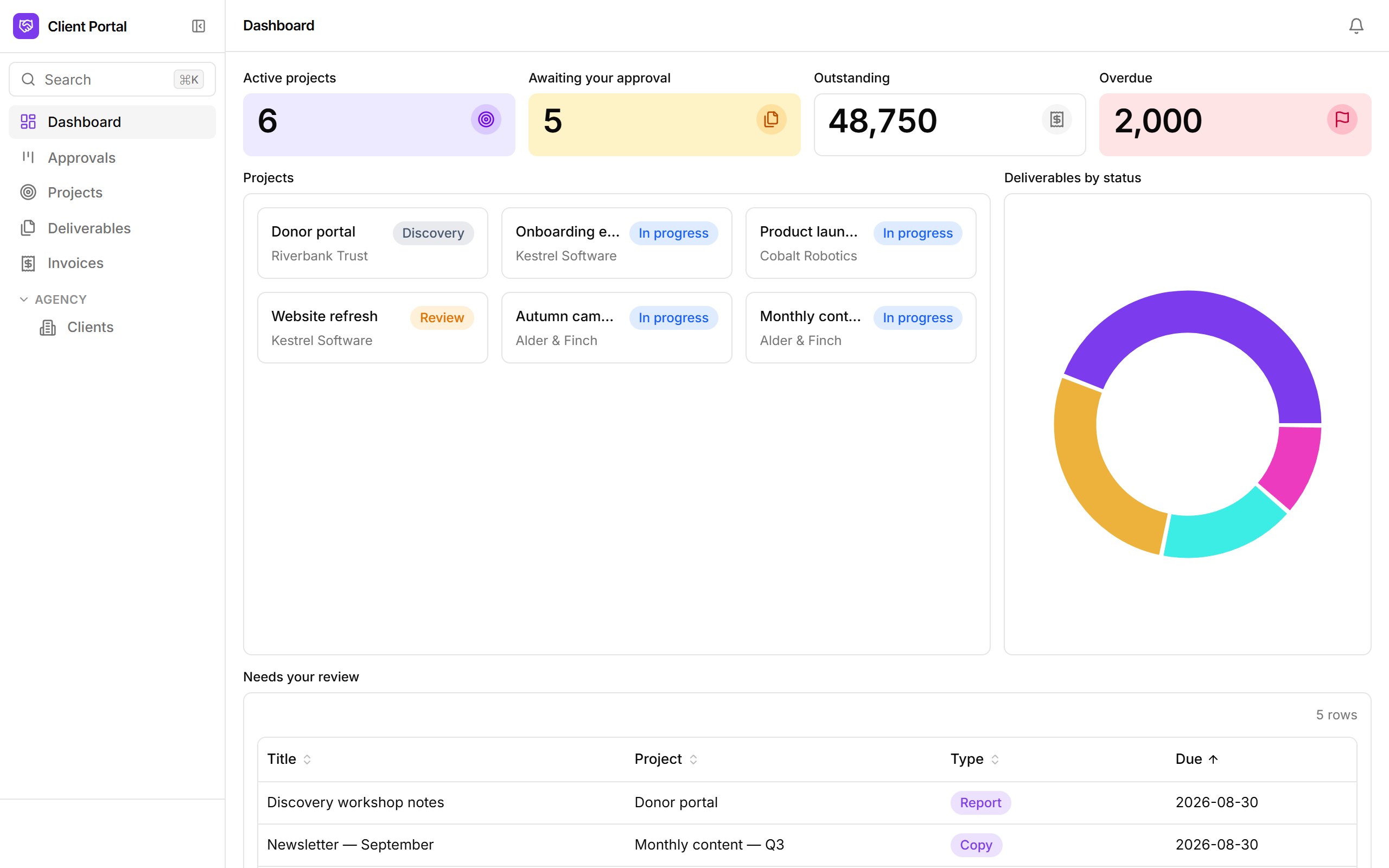
Facilities
Equipment Checkout
Who has the camera, and when is it due back?
Opens in seconds on a private copy with sample data. Anything you build can be moved into your own account later.
What's inside
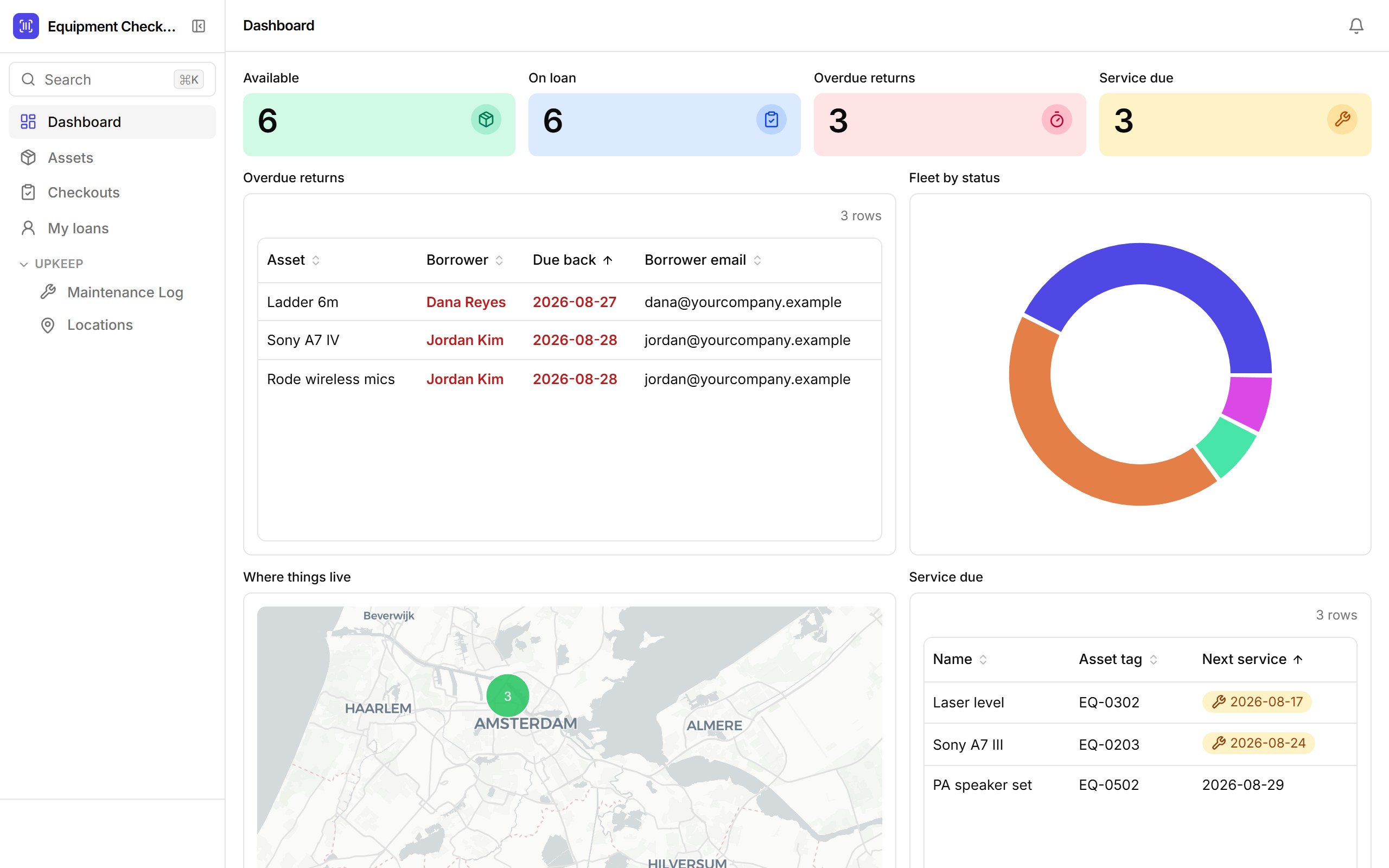
Every asset with a QR label, a location on the map and a service date. Check equipment out to people with a due date, log returns and their condition, keep the maintenance history, and let a daily workflow chase overdue returns.
- QR asset labels and per-asset checkout + maintenance history
- Overdue-returns and service-due tiles on the dashboard
- One-click Check out, Mark returned and Send to maintenance
- "My loans" view for whoever is signed in
- Daily overdue-return reminder emails
Who it's for
Studios, facilities teams and crews sharing expensive kit across sites.
How templates work
- 1. It's a real app. Opening a template provisions a fresh database for it and loads sample rows — the same path Ember uses when it drafts an app from a prompt.
- 2. Change anything. Add fields, drop blocks onto views, rewrite the workflows, set roles. The sample data is yours to edit or replace with a CSV import.
- 3. Keep it.From the sandbox, “Keep this app” sends you a link that moves the app — data, versions and all — into your own workspace once you sign up. Signed-in builders copy templates straight into their workspace.